Codes
Promo codes in Tectonic Industries provide free resources, ores, and upgrade materials. New codes are released regularly through Discord, Twitter, and community events. Check back often since some codes expire within 24 hours.
Active Codes
Demo!Free Starter Resources
Expired Codes
No expired codes recorded yet.
Tips & How-Tos
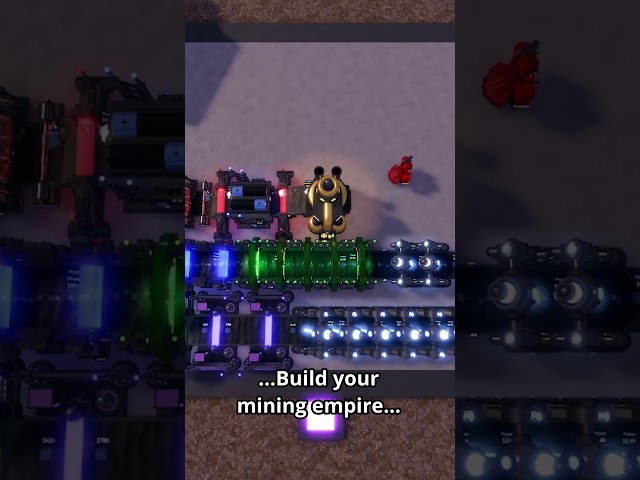
Tectonic Industries Active Codes
Find all working Tectonic Industries Roblox codes for July 2026. Get free rewards with the latest active promo codes including the Demo! code and more bonuses.
Read More →Tectonic Industries All Active Codes - Updated July 2026
All active Tectonic Industries codes for July 2026. Free rewards, bonuses, and promo codes. Updated regularly with new working codes.
Read More →Tectonic Industries How to Redeem Codes - Step by Step Guide
Step-by-step guide to redeeming codes in Tectonic Industries. Where to find the code entry, troubleshooting tips, and common mistakes to avoid.
Read More →Tectonic Industries Free Rewards Guide - Get Free Items and Bonuses
Complete guide to all free rewards in Tectonic Industries. Codes, daily bonuses, events, achievements, and every way to get free stuff without Robux.
Read More →Tectonic Industries Where to Find New Codes - Discord TikTok YouTube
Find new Tectonic Industries codes fast. Official Discord, YouTube, TikTok, and social media sources for the latest promo codes and updates.
Read More →Tectonic Industries Codes FAQ - Everything About Promo Codes
Complete FAQ about Tectonic Industries promo codes. How codes work, redemption issues, expiry, and every question about codes answered here.
Read More →How to Redeem Codes
- 1Launch Tectonic Industries on Roblox
- 2Reach at least Blueprint Level 2 to unlock the code menu
- 3Open the Codes menu from the settings panel
- 4Type or paste the code exactly as shown and hit Redeem
- 5Check your inventory for the rewards!
Some codes require a minimum blueprint level to redeem. Codes are case-sensitive and expire periodically. If a code doesn't work, the game may have updated — keep playing!